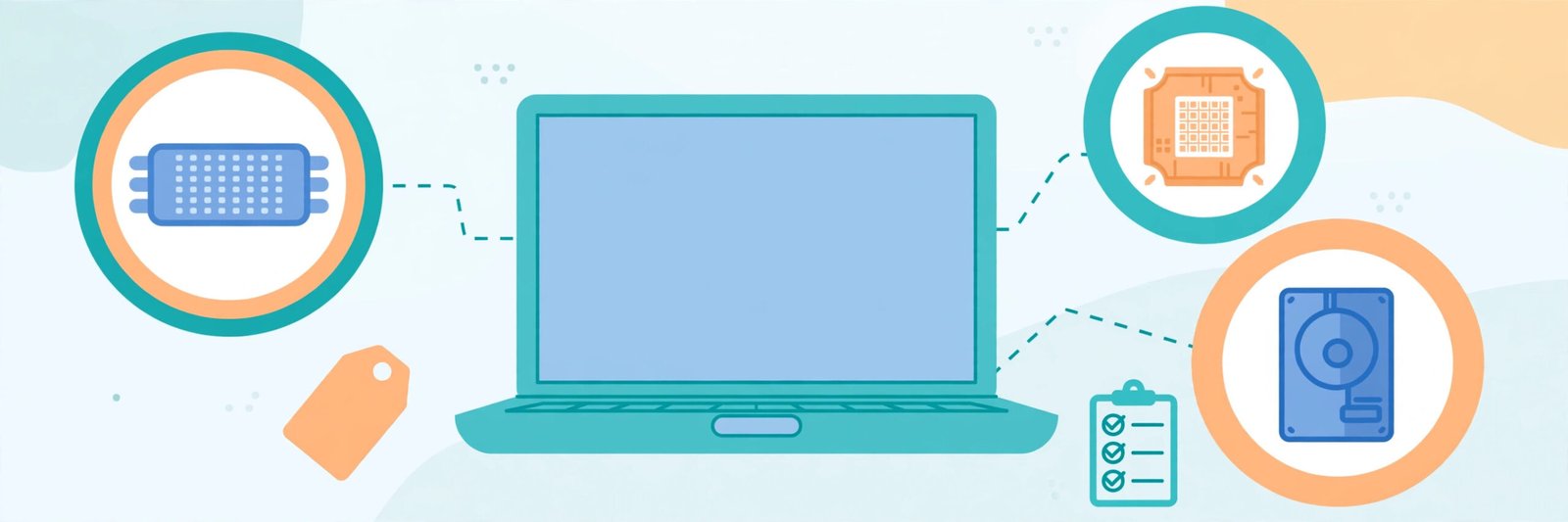
Buying a laptop sounds simple until you open a shopping site and see fifty models with names that look like random passwords. This laptop buying guide 2026 is written to cut through that confusion. Instead of chasing discounts or brand logos, you will learn how the three parts that decide everyday speed — the processor, the RAM and the SSD — actually affect your work, and how much of each you genuinely need. This laptop buying guide 2026 will help you read any specification sheet and judge within minutes whether a laptop is worth your money.
Start With Your Use Case, Not the Price Tag
The biggest mistake buyers make is starting with a budget and hoping the laptop will somehow fit every job. The same money can buy a light, long-battery laptop for classes or a heavier machine built for editing — and each one is wrong for the other person’s work.
- Students: Notes, browsing, online classes, documents and entertainment. Almost any modern laptop works; battery life and light weight matter most.
- Office work: Email, spreadsheets, video calls and many browser tabs open together. Smooth multitasking matters more than raw power.
- Coding: Code editors, compilers and tools like Docker or virtual machines. These ask more from the processor and RAM than most people expect.
- Photo and video editing: A colour-accurate screen, a stronger processor and plenty of storage become important, especially for 4K video.
- Gaming: The graphics card becomes the star. A laptop that is perfect for office work will struggle with modern games no matter how good its processor is.
Fix your category first. Every recommendation in this laptop buying guide 2026 is mapped to these use cases, so you never pay for power you will not use — or miss power you actually need.
The Processor: The Brain of the Laptop
The processor, or CPU, handles every calculation your laptop makes. Two families dominate Windows laptops: Intel Core and AMD Ryzen. Both use tier numbers — 3, 5, 7 and 9 — where a higher number generally means a stronger chip for heavier work. Intel also sells newer chips under the Core Ultra name, and Apple laptops use Apple’s own M-series processors, which are known for strong performance with low power use.
One point confuses many buyers: generation matters as much as the tier. A newer Core 5 can feel faster than a much older Core 7, because every generation improves speed and battery efficiency. When comparing two laptops, check the processor’s generation or launch period, not just the badge.
For most students and office users, a recent Core 5 or Ryzen 5 class processor is the sweet spot. Editors, gamers and heavy coders should look at Core 7 or Ryzen 7 class chips, ideally paired with more RAM. If you remember one processor rule from this laptop buying guide 2026, make it this: a recent mid-range chip beats an older flagship for most people.
RAM: How Much Do You Actually Need?
RAM is your laptop’s short-term working memory. A simple way to picture it: RAM is the size of your desk, and the storage drive is the cupboard. The bigger the desk, the more files you can keep open at once without slowing down.
- 8 GB: Acceptable only for very light use — documents, a few tabs, video streaming. It already feels tight when many apps run together.
- 16 GB: The right choice for most buyers in 2026. It handles office work, coding, dozens of tabs and light editing comfortably.
- 32 GB: Worth it for video editors, streamers, and developers running virtual machines or large projects.
One warning that this laptop buying guide 2026 repeats for every buyer: many slim laptops have their RAM fixed permanently to the board, so it can never be upgraded later. If you are unsure between two sizes, choosing the larger RAM today is usually cheaper than replacing the whole laptop early.
SSD and Storage: Where Speed Is Really Felt
If one part decides how “fast” a laptop feels day to day, it is the storage type. An SSD (solid-state drive) starts the laptop in seconds, opens heavy apps quickly and copies files far faster than an old-style hard disk (HDD). A new laptop with only an HDD should be avoided, however attractive its price looks.
Modern laptops use NVMe SSDs, which are the fastest common type. For size:
- 256 GB: Fills up quickly once you add apps, photos and a few games. Workable only with cloud storage discipline.
- 512 GB: Comfortable for most students, office users and coders.
- 1 TB or more: Sensible for editors, gamers and anyone storing large media libraries.
You can extend space later with an external drive or cloud storage, but a soldered internal SSD in many models cannot be changed. Storage planning is a core part of any honest laptop buying guide 2026, because running out of space slows everything down.
Display, Battery and Build: The Daily Comfort Factors
Specifications on paper ignore the things you touch every day. Check the screen size you can carry comfortably — 14 inches suits students who move around, while 15.6 inches gives more room for spreadsheets and editing timelines. Prefer a Full HD screen with an IPS panel for better viewing angles and colours. For a second opinion from the chipmaker’s side, Intel’s guide to choosing the best laptop for home use covers screen size, battery, ports, RAM and storage in the same plain terms.
Battery figures printed by brands come from ideal test conditions, so real-life backup is usually lower; treat the printed number as a comparison guide, not a promise. If you type a lot, read reviews about the keyboard and trackpad, and check the weight honestly — a heavy laptop often stays at home, defeating its purpose.
Rough Budget Bands (Indicative Only)
Prices change constantly with sales, new launches and offers, so treat the bands below only as rough direction and always check current listings on the day you buy: Use this laptop buying guide 2026 as a starting point, then check live prices before you buy.
- Entry band: Basic laptops for study, browsing and office documents. Focus on a recent processor, 8–16 GB RAM and an SSD.
- Mid band: The zone most buyers should target. Expect 16 GB RAM, a 512 GB SSD and a Core 5 / Ryzen 5 class processor.
- Upper-mid band: Adds stronger processors, better screens and, in gaming models, a dedicated graphics card.
- Premium band: Thin metal builds, top-tier processors, high-resolution colour-accurate displays and large storage, for professionals and serious gamers.
Common Buying Mistakes to Avoid in This Laptop Buying Guide 2026
- Buying an old-generation model only because the discount percentage looks huge.
- Choosing a laptop with an HDD, or with just 4 GB of RAM, to save a small amount.
- Paying extra for features you will never use, like a touchscreen on a desk-bound laptop.
- Ignoring weight, warranty terms and after-sales service in your city.
- Forgetting to check ports — an HDMI port and enough USB ports still matter for presentations and accessories.
Laptop Buying Guide 2026: Frequently Asked Questions
1. How much RAM does this laptop buying guide 2026 recommend for most people?
16 GB. It is the balanced choice for students, office users and coders, and it keeps the laptop comfortable for several years.
2. Is an SSD more important than a faster processor?
For everyday smoothness, yes. A mid-range processor with a fast NVMe SSD feels quicker in daily use than a stronger processor paired with slow storage.
3. Which processor is best for a student?
A recent Intel Core 5 or AMD Ryzen 5 class processor is more than enough for classes, browsing, documents and light entertainment, with good battery life.
4. Should I buy last year’s model to save money?
Often, yes — if the processor is only one generation older and the RAM and SSD meet the levels in this laptop buying guide 2026, it can be a smart, value-for-money purchase.
5. How long should a good laptop last?
With 16 GB RAM, an SSD and a recent processor, a laptop chosen with this laptop buying guide 2026 should serve four to six years of typical use.
Conclusion
A good laptop purchase is not about buying the most expensive model; it is about matching the machine to your real work. Decide your use case, choose a recent processor, take 16 GB of RAM if your budget allows, insist on an NVMe SSD, and only then compare screens, battery and price. Follow the simple order in this laptop buying guide 2026, verify the final price on current listings, and you will end up with a laptop that stays fast and useful for years instead of becoming slow within months. That is the heart of this laptop buying guide 2026: match the machine to the job, not the price tag.
Leave a Reply