Cloud Computing Explained: Types, Benefits and Examples
You have almost certainly used the cloud today without noticing. Opening Gmail, watching a show on Netflix, or finding your photos in Google Photos all count. But what is cloud computing, really?
In simple words, cloud computing means using storage, software and computing power that belong to a provider and reach you over the internet, instead of keeping everything on your own phone or laptop. You rent the service instead of owning the machinery. This guide explains the main types, the real benefits, and the concerns you should honestly know about.
What Is Cloud Computing in Simple Words?
Think of electricity. You do not run a generator at home; you plug into the grid and pay for what you use. Cloud computing works in a similar way. Instead of buying and maintaining expensive computers yourself, you use computing resources owned by companies such as Google, Microsoft and Amazon. Their machines, called servers, sit in large, secure buildings known as data centres, reached through the internet. The U.S. National Institute of Standards and Technology publishes a widely used definition of cloud computing.
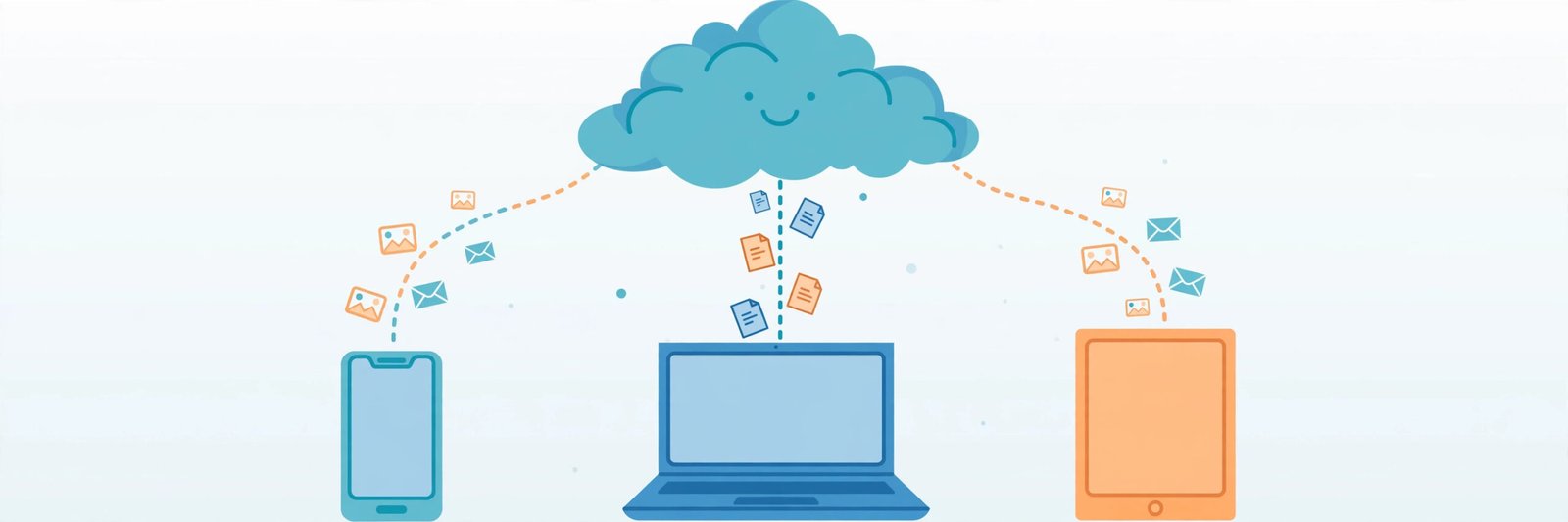
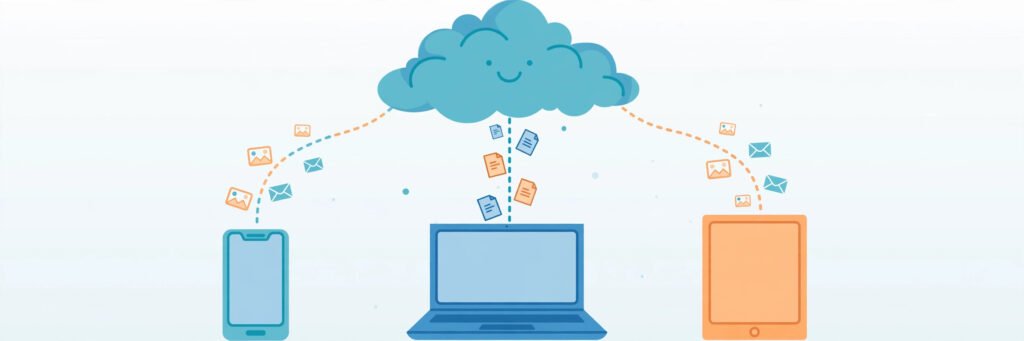
The result is easy to feel: your files and apps are no longer tied to one device. A photo taken on your phone appears on your laptop; a document started at the office can be finished at home. The provider handles the hardware, security updates and repairs — your job is simply to sign in.
The Three Types of Cloud Services: IaaS, PaaS and SaaS
Cloud services are usually grouped into three levels, based on how much you manage yourself and how much the provider handles.
IaaS — Infrastructure as a Service
IaaS gives you the basic building blocks — virtual computers, storage and networking, rented over the internet. The provider owns the physical machines; you install and manage your own software on top. It suits businesses that want full control without buying and housing hardware. Examples include Amazon EC2, Microsoft Azure Virtual Machines and Google Compute Engine.
PaaS — Platform as a Service
PaaS is aimed at people and companies who build apps. It provides a ready platform — tools, databases and a running environment — so developers can create and launch apps without setting up and maintaining servers. The provider manages the machinery underneath; the developer focuses on the app. Google App Engine and Microsoft Azure App Service work this way.
SaaS — Software as a Service
SaaS is the level almost everyone knows, often without realising it: complete software that runs over the internet, usually in your browser or an app, with nothing to install or update yourself. Gmail, Google Docs, Netflix and Zoom are all SaaS products — you simply sign in and use them, free for many personal uses or through a monthly subscription at work.
A kitchen comparison makes this easy to remember: IaaS is renting an empty kitchen and cooking everything yourself, PaaS is a kitchen where the basics are managed for you, and SaaS is ordering the finished meal.
Public, Private and Hybrid Cloud
Clouds are also described by who they are built for:
- Public cloud is run by providers such as Google Cloud, Microsoft Azure and Amazon Web Services, and shared by many customers over the internet. It is the most common and usually cheapest option, because the costs are spread across many users.
- Private cloud is built for a single organisation, in its own premises or hosted exclusively for it. Banks, hospitals and government departments often prefer it for tighter control over sensitive data.
- Hybrid cloud mixes the two: a company keeps sensitive data private but uses the public cloud for its website or extra busy-period capacity.
Benefits of Cloud Computing
The cloud became popular because it solves real, everyday problems:
- Lower starting cost. No need to buy expensive servers or storage drives. Most services let you begin free, or pay a modest monthly amount, and increase it only when needed.
- Work from anywhere. Your files and applications follow you — anything with an internet connection and your login can reach them.
- Built-in backup. Data stored in the cloud does not disappear if your phone is lost or your laptop fails, because copies are held on the provider’s systems.
- Updates handled for you. The provider installs security patches and new versions, so you are normally using current, maintained software without effort.
- Easy to grow. Need more storage or power? You can usually upgrade in minutes instead of buying new hardware.
- Better teamwork. Several people can work on the same document at the same time, from different places, as anyone who has shared a Google Doc knows.
Real Concerns You Should Know
An honest guide should also say what can go wrong. The cloud is a tool, not magic.
- Internet dependence. No connection usually means no access. Some apps offer a limited offline mode — downloaded shows on Netflix, offline editing in Google Docs — but the cloud itself lives online.
- Privacy and control. Your data sits on computers owned by a company, under that company’s rules. Read the basic privacy terms of any service you trust with personal files, use a strong password, and turn on two-factor authentication.
- Ongoing cost. Small monthly charges are easy to forget and accumulate. Businesses can receive surprisingly large bills if unused services are left running.
- Downtime and lock-in. Even the biggest providers have outages occasionally, during which your work may be unreachable. Moving years of data between providers can also be slow and awkward — worth remembering before committing everything to one service.
What Is Cloud Computing in Your Daily Life?
Most of us use cloud services many times a day without thinking about them:
| Service you use | What the cloud does for you |
|---|---|
| Gmail | Stores your email and attachments online, reachable from any device |
| Google Photos | Backs up, organises and syncs your pictures |
| Netflix and YouTube | Stream video to you from the provider’s servers |
| Google Drive | Keeps files stored online and identical across devices |
| Online banking apps | Run on the bank’s secured cloud systems, not on your phone |
Frequently Asked Questions
Is cloud computing the same thing as the internet?
Not exactly. The internet is the network connecting devices worldwide. The cloud is a set of services — storage, software and computing power — delivered through that network. The internet is the road; the cloud is the warehouses and shops it connects you to.
Is my data safe in the cloud?
Large providers spend heavily on security and keep copies of data in more than one location, so your files can be safer there than on a single laptop that might be lost or fail. Still, no system is completely risk-free: your password is the front door, so make it strong, and switch on two-factor authentication.
What is cloud computing used for in everyday life?
For most people: email, photo and file backup, films and music, online classes, video calls, banking, and working on documents with others. Businesses add bigger uses, such as running websites and apps and analysing large amounts of data.
Do I have to pay for cloud services?
Many personal services start free with limited storage, and charge only when you need more space or extra features. Businesses usually pay a subscription, or pay per use. The thing to watch is several small subscriptions adding up.
Can I use cloud services without an internet connection?
Mostly, no — the files and software live online, so a connection is normally required. Some apps soften this with offline features, such as downloading a film in advance or editing a document offline and letting it sync later, but those are extras, not a replacement for being connected.
Conclusion
Strip away the jargon and what is cloud computing really about? Renting computing power, storage and software over the internet instead of owning and maintaining everything yourself. It lowers costs, protects you when a device dies, and lets your digital life follow you from screen to screen. Used with sensible habits — strong passwords, an eye on subscriptions, and a personal backup of what matters most — it is one of the most practical technologies of everyday life.
Leave a Reply