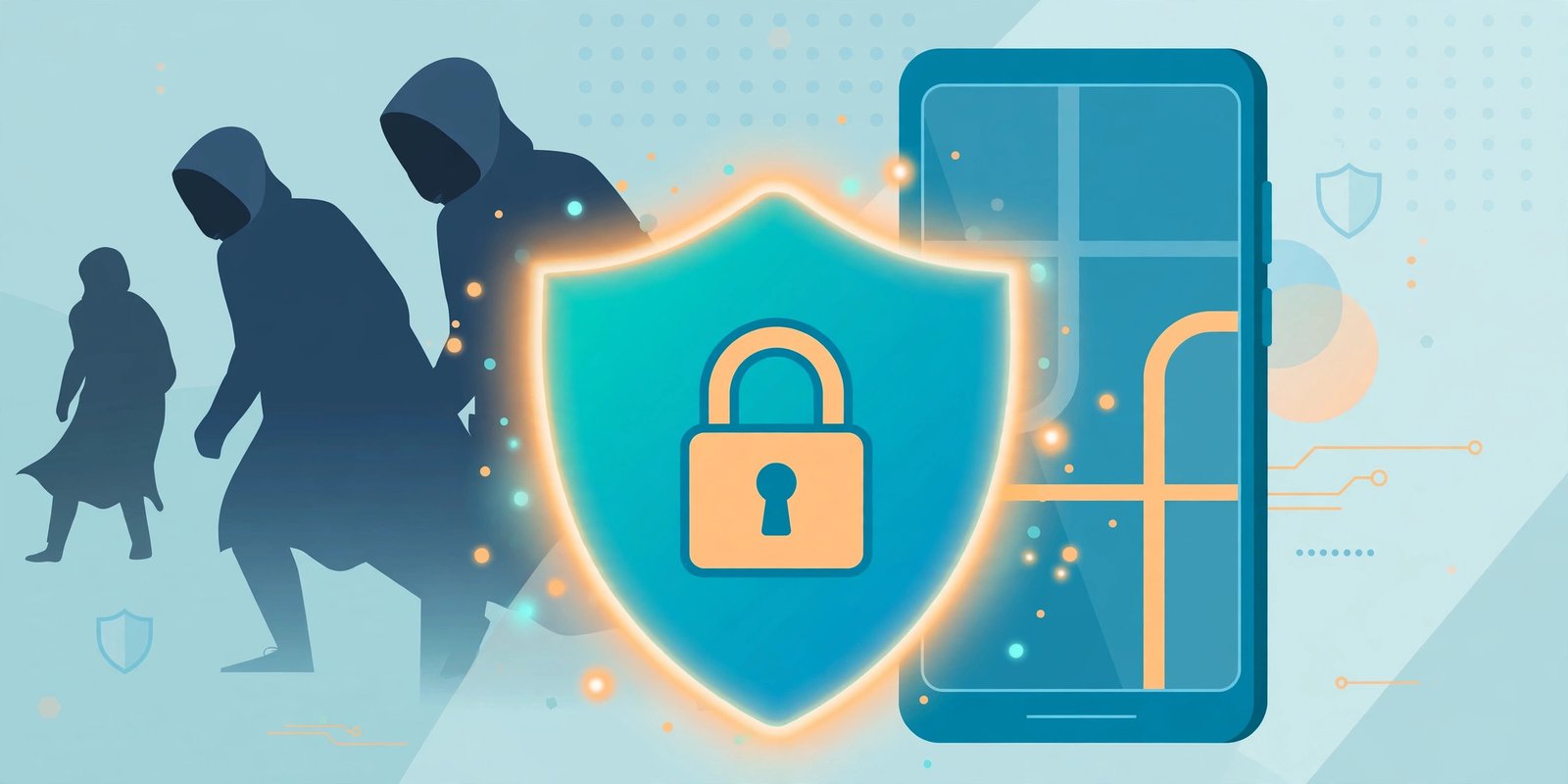
Your phone holds your bank apps, UPI PINs, photos, chats and the OTPs guarding almost every account you own. That is why hackers target phones first — one careless tap can hand them everything.
The good news: learning how to protect phone from hackers needs no technical knowledge and no paid software. Most attacks succeed because of small everyday mistakes — a weak PIN, an app from a random website, an OTP shared on a call. Fix those habits and most attacks never start.
1. Use a Strong Screen Lock — Not Your Birthday
When learning how to protect phone from hackers, start with your screen lock: it is the front door of your phone. A 4-digit PIN like 1234 or your birth year can be guessed in minutes.
- Use a 6-digit PIN, or better, a password mixing letters and numbers
- Turn on fingerprint or face unlock — biometrics plus a strong PIN is a solid combination
- Set auto-lock to 30 seconds, and never share your lock with anyone, even “customer care”
If your phone is stolen, this setting decides whether the thief gets a useless device or your digital life.
2. Turn On Two-Factor Authentication (2FA) Everywhere
A password is one lock; 2FA adds a second. Even if a hacker steals your password, they cannot enter without the code that appears only on your device.
Turn it on for your Google account or Apple ID, WhatsApp (Settings → Privacy → Two-step verification), banking and UPI apps, email and social media. Prefer an authenticator app over SMS codes, since SMS can be intercepted if your SIM is cloned — though SMS 2FA still beats none.
Google’s official 2-Step Verification guide walks through setup for your account.
3. Download Apps Only from Official Stores
Fake apps are a leading source of mobile malware in India — fake “bank update” apps, “prize winner” apps and modified APK files forwarded on WhatsApp. This is one of the most ignored points on how to protect phone from hackers.
- Install apps only from the Google Play Store or Apple App Store
- Never install an APK received through WhatsApp, Telegram or an unknown website
- Check the developer’s name, download count and recent reviews first
- Distrust apps asking for permissions they do not need — a torch app has no business reading your contacts or SMS
If an offer sounds too good — free recharge, doubled money — it is almost certainly a trap.
4. Keep Your Phone and Apps Updated
Learning how to protect phone from hackers starts with updates: many update notifications you postpone are actually security patches, and hackers actively exploit known flaws in older versions of Android, iOS and popular apps.
Turn on automatic system updates, update apps regularly — browsers, banking apps and WhatsApp first — and if your phone no longer receives security updates, plan to replace it. An unsupported phone is an open risk.
5. Never Share OTPs — With Anyone, Ever
This causes the most damage in India, so it gets its own section:
No bank, government office or company will ever call and ask for your OTP, PIN, CVV or password.
If a caller claims to be from your bank, “RBI” or customer support and asks for an OTP, hang up — it is a scam every time. Fraudsters manufacture urgency (“your account will be blocked in one hour”) to panic you into acting without thinking. The same applies if a stranger asks you to install AnyDesk or TeamViewer to “process a refund”: they want to watch you type your banking passwords.
6. Be Careful with Links, QR Codes and Attachments
Phishing works because the message looks real: your parcel is stuck, your electricity will be cut tonight, your bank account needs re-verification — with a link attached.
- Do not tap links in messages that create pressure or urgency
- To check your account, open the official app yourself or type the address manually
- Scanning a QR code pays money out; it never brings money in. Anyone saying “scan this to receive your refund” is trying to rob you
- Do not open attachments from unknown senders, even if they look like invoices
7. Avoid Public Wi-Fi for Banking and Shopping
Free Wi-Fi in cafés, stations and airports is easy to spy on or imitate — a hacker can create a fake network with the same name as the real one and watch everyone who connects.
Never log into banking, UPI or important email accounts on public Wi-Fi; use mobile data instead. If you must use public Wi-Fi often, a reputable VPN adds protection. Also turn off auto-connect to open networks.
8. How to Protect Phone from Hackers by Reviewing App Permissions Regularly
Many apps quietly hold more access than they need — your location, microphone, contacts, SMS. Every permission is one more door into your phone.
Once a month, check: Android — Settings → Privacy → Permission Manager; iPhone — Settings → Privacy & Security. Then ask: does this shopping app need my microphone? Does this game need my location all day? If not, switch it off.
9. Back Up Your Data and Turn On Find My Device
If your phone is stolen or locked by ransomware, a recent backup means you lose a device, not your memories and data.
Turn on automatic backup to Google Drive or iCloud — photos, contacts and WhatsApp chats included. Enable Find My Device (Android) or Find My iPhone to locate, lock or erase a lost phone remotely; erasing it is one of the strongest answers to how to protect phone from hackers after a theft. Note your IMEI number at home; police will ask for it.
10. Lock Your SIM and Guard Your Number
Your mobile number is the master key to your OTPs, so learning how to protect phone from hackers means guarding it closely. Set a SIM PIN so a stolen SIM cannot be used in another phone, and never post your number publicly. If your network suddenly stops working, contact your operator immediately — SIM-swap fraud often begins this way: criminals get a duplicate SIM in their name, receive all your OTPs and reset your passwords.
Common Mistakes When Learning How to Protect Phone from Hackers
- Using one password everywhere. When a small website leaks it, hackers try the same password on your email and banking apps.
- Saving passwords in a plain note. A note titled “passwords” is a gift to anyone who unlocks your phone. Use a password manager.
- Ignoring sign-in alerts. “Someone tried to sign in” notifications are real warnings. If you do not recognise one, change your password the same day.
- Rooting or jailbreaking the phone for free apps or themes. This removes built-in security walls.
- Letting children install games freely on the phone that runs your banking apps. Use a separate profile or spare device.
How to Protect Phone from Hackers: Frequently Asked Questions
Can a phone be hacked just by receiving a call?
Attending a normal call does not hack a modern, updated phone. The danger is what the caller persuades you to do — sharing an OTP, installing an app or opening a link.
How do I know if my phone has been hacked?
Watch for signs together: battery draining fast, heating up without use, apps you never installed, strange pop-ups, data usage spiking, or friends receiving odd messages from your number. If they appear, back up photos and contacts, do a factory reset, and change important passwords from a clean device.
Is antivirus software necessary on a phone?
On iPhone, traditional antivirus apps are not really available or needed. On Android, the built-in Google Play Protect plus careful habits cover most people. If you do install one, choose a well-known app from the official store — fake “antivirus” apps are themselves a common malware source.
What should I do immediately if I think I have been scammed?
Act fast: call your bank’s official number and freeze your account or card, then change your email and banking passwords from a safe device. In India, report it on the national cybercrime helpline 1930 or at cybercrime.gov.in immediately — quick reporting improves the chance of stopping the transfer.
Conclusion
You do not need to be a technology expert to stay safe. Learning how to protect phone from hackers comes down to steady habits: a strong screen lock, 2FA on important accounts, apps only from official stores, regular updates, and an absolute rule of never sharing OTPs. Add careful link-checking, permission reviews and backups, and your phone becomes a hard target. Put simply, that is how to protect phone from hackers every day.
Hackers look for the easiest victim. Spend twenty minutes today on these 10 tips, and they will usually move on.
Leave a Reply