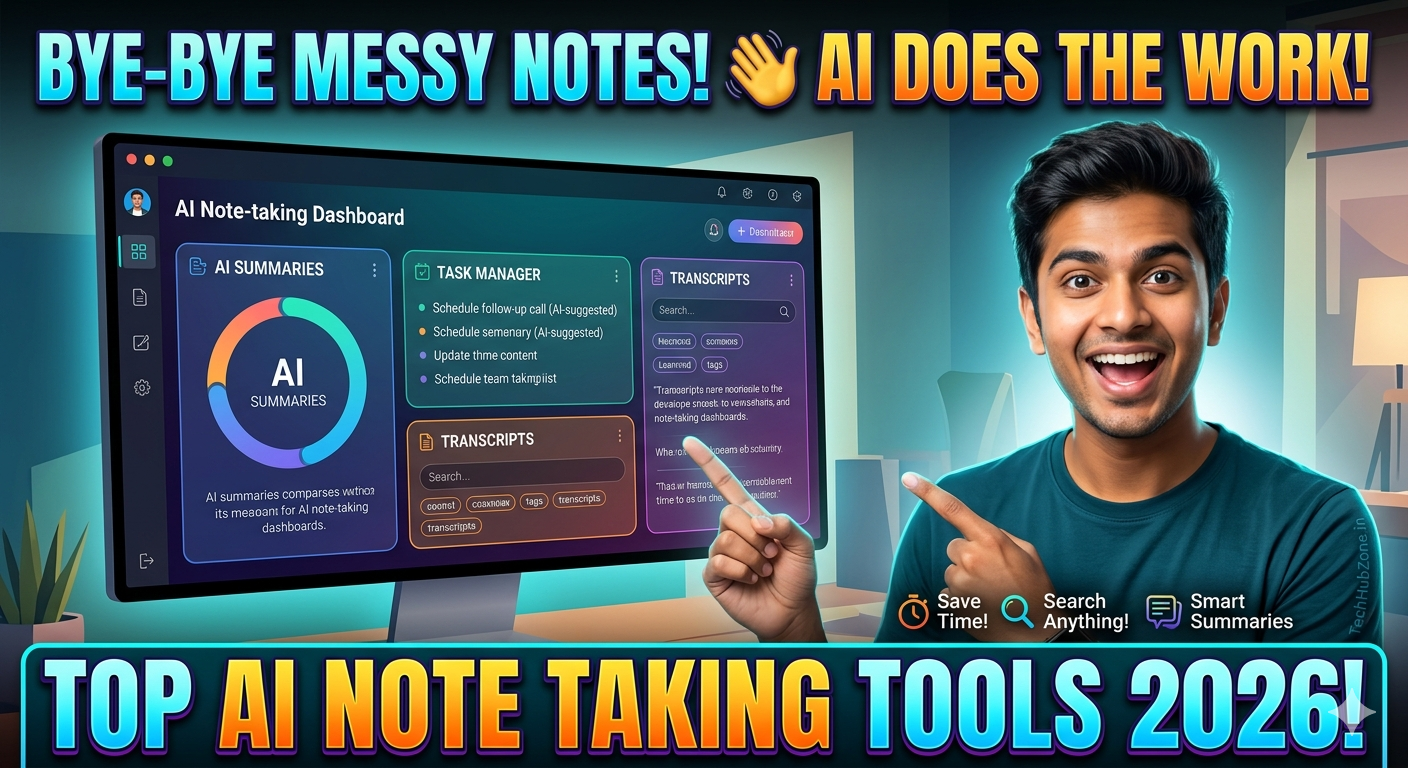
Ever walked out of a two-hour strategy meeting, staring at a blank page because you were too busy nodding and listening to actually jot anything down? You’re not alone. We’ve all been there—trying to juggle the “active participation” part of a discussion while desperately scribbling notes so we don’t forget the project deadlines or client requests mentioned halfway through.
It’s a frustrating cycle: you either sacrifice your engagement to capture notes, or you sacrifice accuracy to stay present. Fortunately, that’s where the latest generation of AI tools for note taking changes the game. These tools act as a silent assistant, handling the heavy lifting of transcription and summarization so you can actually focus on the conversation.
Quick Summary: Top AI Note-Taking Tools
| Tool | Best For | Pricing | Difficulty |
|---|---|---|---|
| Otter.ai | Live transcription & team sync | Free/Paid | Easy |
| Fireflies.ai | Searchable meeting archives | Free/Paid | Moderate |
| Granola | Private, bot-free note taking | Paid | Easy |
| Notion AI | Organizing notes & docs | Paid | Moderate |
| NotebookLM | Research & synthesis | Free | Easy |
What Are AI Tools for Note Taking?
At their core, these are software applications designed to record, transcribe, and analyze audio conversations or written text. They go far beyond basic voice memos. Using advanced natural language processing (NLP), these tools can distinguish between different speakers, identify action items, summarize complex discussions, and even help you query past meetings to find specific details.
Why People Use AI for Note Taking
Most professionals turn to these tools because they’ve hit a wall with manual documentation. Here is why they are becoming a staple in modern workflows:
- Zero Multitasking Stress: You can stay fully present during a meeting, knowing the AI is capturing every nuance.
- Actionable Insights: Rather than a wall of text, you get clear, bulleted lists of “who is doing what” and “by when”.
- Searchable Knowledge Base: Ever tried to find a specific budget figure from a meeting three months ago? AI note takers make your entire meeting history searchable.
- Reduced Administrative Burden: You save hours every week that would otherwise be spent cleaning up rough notes or drafting follow-up emails.
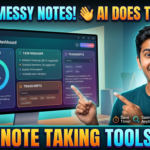
[Insert Dashboard Screenshot Here]
How It Works: A Behind-the-Scenes Look
Most AI note-taking platforms follow a standard workflow:
- Capture: The tool joins your virtual meeting (Zoom, Google Meet, or Teams) as an attendee—often represented by a small “bot”—or it processes audio files you upload manually.
- Transcription: It converts spoken language into text in real-time, assigning segments to the correct speaker.
- Synthesis: Once the meeting ends, the AI analyzes the transcript to pull out key themes, decisions, and action items.
- Integration: Many tools automatically sync these summaries into your CRM (like Salesforce) or project management apps (like Notion or Asana).
A Note on Privacy: Some newer tools, like Granola or Convo, are designed to work locally on your device without sending a “bot” into your meetings. This is a great alternative if you work in an industry where privacy or “bot-free” meetings are a strict requirement.
Practical Use Cases
You don’t have to use these tools just for corporate boardroom meetings. Here are a few ways they provide value:
- For University Students: Recording a lecture and using a tool like NotebookLM to generate a study guide or flashcards from the transcript can turn a chaotic session into a clear revision document.
- For Sales Professionals: Automatically logging call summaries and follow-up tasks directly into a CRM ensures that no lead falls through the cracks.
- For Content Creators: Transcribing interviews or brainstorming sessions allows creators to quickly repurpose spoken thoughts into written blog posts or social media captions.
[Insert Feature Screenshot Here]
Step-by-Step: Setting Up Your First AI Notetaker
Getting started is usually straightforward:
- Select Your Platform: Choose a tool based on your primary need (e.g., Otter.ai for live transcripts, Fireflies.ai for deep search).
- Connect Your Calendar: Most platforms require you to link your Google or Outlook calendar so the bot knows which meetings to join.
- Configure Preferences: Check settings to ensure it only joins meetings you host or those explicitly marked for recording.
- Test Run: Before an important client call, hold a 5-minute internal “test” meeting to ensure the transcript accuracy meets your standards.
Balancing Pros and Limitations
While these tools are powerful, they aren’t magic. It’s helpful to be aware of the “real-world” trade-offs.
Pros
- Significant time savings on admin tasks.
- Improved accuracy in tracking commitments.
- Better team alignment since everyone can access the same record.
Limitations
- Nuance Loss: AI can sometimes struggle with sarcasm, deep industry jargon, or overlapping conversations.
- Privacy Concerns: Recording every conversation creates a data trail that needs to be managed carefully. Always inform participants if a meeting is being recorded.
- “Lazy” Reliance: Some users may stop attending meetings entirely, assuming the summary will be enough—but AI summaries rarely capture the “vibe” or unspoken context of a meeting.
| Feature | AI-Powered Tools | Manual Note Taking |
|---|---|---|
| Speed | Instant | Slow |
| Accuracy | High (with cleanup) | Variable |
| Effort | Low | High |
| Context/Nuance | Moderate | Excellent |
Common Mistakes Users Make
- Recording Everything: Not every meeting needs a transcript. Recording sensitive legal or HR discussions can create unnecessary liability.
- Skipping the Review: Never copy-paste an AI summary without reading it first. AI can occasionally hallucinate or misinterpret a speaker’s intent.
- Ignoring Permissions: Always check your company’s internal policy on recording before inviting an AI bot to a meeting.
Frequently Asked Questions (FAQs)
1. Is it legal to use AI to record meetings? It depends on your local laws regarding “one-party” or “all-party” consent. Always inform meeting participants and provide a way for them to opt-out if they aren’t comfortable with it.
2. Do I need to be tech-savvy to use these tools? Not at all. Most are designed to be “plug-and-play” with a simple calendar integration.
3. What happens to my data? Reputable providers offer enterprise-grade security. However, always check the vendor’s policy to ensure your data isn’t being used to train their public models.
4. Can these tools handle accents and multiple languages? Most leading platforms (like Otter or Fireflies) have improved significantly with multilingual support, though accuracy can still vary with heavy accents.
5. Are there tools that don’t use a “bot”? Yes. Look for apps like Granola or Convo that run locally on your machine and don’t invite a third-party participant to your call.
6. Do I have to pay for a good tool? Most offer a “freemium” model. Free tiers are usually enough for occasional use, but power users will likely need a paid subscription for more minutes and integrations.
7. Can AI take notes for in-person meetings? Yes, many mobile apps allow you to record and transcribe in-person meetings via your smartphone’s microphone.
8. What should I do if the AI gets something wrong? Most platforms have an “edit” feature. If accuracy is critical, use the transcript as a reference but verify key figures manually.
9. Will my company let me use these? It varies. Check with your IT or security department, as they may have a preferred, approved tool that complies with company security protocols.
10. Do these tools replace the need to write things down? They replace the drudgery of note taking, but not the thinking part. You still need to synthesize the information to make decisions.
Final Thoughts
AI note-taking tools are a massive productivity lever for anyone who spends their day in meetings. If you find yourself consistently overwhelmed by follow-up tasks, these apps can help you reclaim hours of your work week. However, they are best used as an assistant, not a replacement for your own judgment.
Start by experimenting with a free tier of a popular tool, and keep your initial test runs to low-stakes team meetings. Once you get a feel for how the output integrates into your specific workflow, you’ll likely find it hard to go back to the old way of doing things.
Who should use these? Professionals, students, and project managers who need to maintain accurate, searchable records of discussions. Who should avoid these? Those handling highly confidential legal or personal data where the risk of any external processing is too great.
Have you tried an AI note-taking tool yet? Which feature did you find most useful—the summary or the transcript search.