You are trying to find a very specific fact for a school history report due tomorrow morning. You open a traditional search engine, type your question, and hit enter. Instead of a clear answer, your screen instantly fills up with three flashing advertisements, two sponsored recipe blogs that have nothing to do with history, and a massive list of blue links.
You click the first link, but it is just a giant wall of text with pop-up banners blocking your view. You spend ten minutes scrolling up and down, but you still cannot find the exact date or name you need.
A student looking for clean information can easily waste hours clicking back and forth between different websites. This drains your energy long before you even start writing the first paragraph of your assignment.
The way we discover things on the internet has shifted. People are moving away from traditional keyword searches and turning to interactive answer engines instead. In this deep Perplexity AI Review, we will look at a free tool that does not make you hunt for clues. It reads the web for you, writes a direct summary, and proves its facts by showing you exactly where it found the information.
Table of Contents
Quick Summary Box
| Feature | Details |
| Best For | Fact-checking, tracking down real sources, writing research reports, and reading long documents without ads. |
| Free / Paid | Free version works great (Pro costs $20/month for heavier data use). |
| Difficulty Level | Super Easy (Just like sending a text message to a smart friend). |
| Key Benefits | No messy ads, gives direct answers, and adds tiny clickable links to verify its sources. |
What Is Perplexity AI?
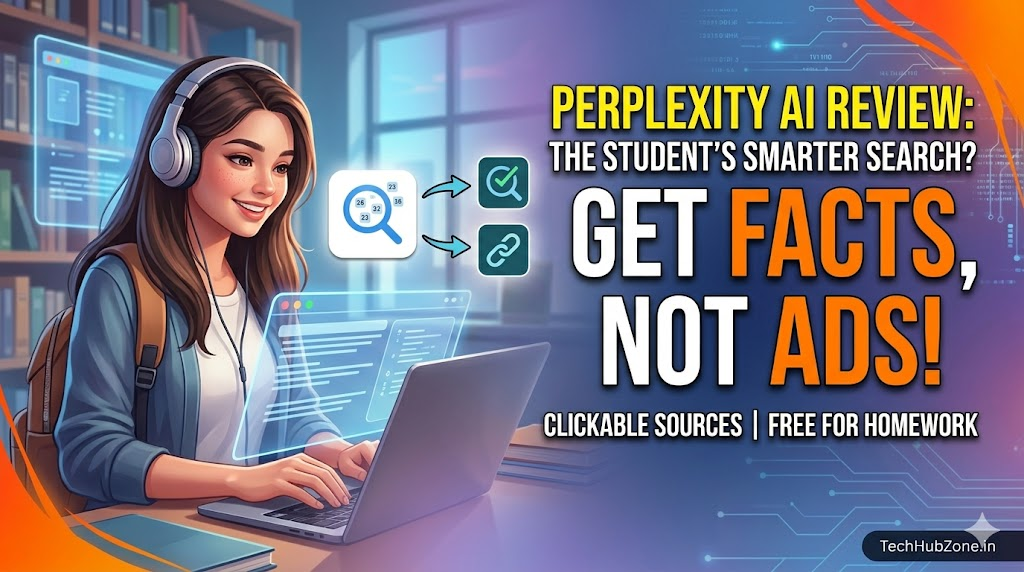
Think of this application as a hybrid blend between a traditional search engine and a highly organized digital research assistant. It does not try to tell fictional stories or invent creative poems like other conversational chat tools. Instead, its main job is to hunt down facts across the live internet and serve them to you on a clean platter.
Many students use this tool for a very clear reason: it acts like an open, interactive digital library book. Instead of guessing the answers based on word patterns, it scans top news channels, scientific journals, and history pages to compile a clear, balanced answer to your specific prompt.
Why People Use This Application
People choose this platform because it solves a massive problem with the internet: messy misinformation and clickbait. When you ask a standard chatbot a question about a complex medical topic or a math formula, it might confidently give you a wrong answer because it is just guessing the next word.
This tool is particularly useful when you need quick explanations or want to organize information without jumping between multiple websites. Because it displays its source links right next to its sentences, you can verify everything visually in one second flat.
Key Features Breakdown
- Source Citations: Every single claim or date features a tiny, clickable footnote number that leads straight to the original website.
- Focus Modes: You can tell the application to restrict its searches to only academic papers, YouTube video transcripts, or general writing spaces.
- File Ingestion: You can drag and drop a messy PDF or a long text file into the bar, and it will analyze the specific contents instantly.
- Pro Search: Deeply investigates complicated questions by running multiple search passes across the web autonomously.
How It Works Under the Hood
When you type a search term into the dashboard, the application immediately sends out rapid search queries across the web. It reads the top web results, extracts the most important sentences, and puts them together into a short, easy-to-read paragraph.
[Insert Feature Screenshot Here]
A student preparing for an exam can upload their entire syllabus file. Instead of spending hours reading every single page to find a small vocabulary definition, they can ask the interface to extract all key terms into an organized table.
Practical Use Cases for Academics
1. Fact-Checking Historic Timelines
If you are writing an essay on how the printing press changed Europe, typing your prompt here will yield a clean timeline alongside real links to verified history portals.
2. Keeping Up with Current Science News
If you want to know what happened in the latest space satellite launch, the application pulls real-time news articles published just minutes ago.
3. Understanding YouTube Video Transcripts
Instead of sitting through a boring 40-minute lecture video to find one formula explanation, you can paste the link into the chat bar and ask it to find the exact timestamp where the formula is broken down.
Step-by-Step Guide: How to Search Smart
Using this tool successfully requires a slight shift from standard keyword typing. Follow these simple steps.
1.Select the Search Target:Step 1: Choose Your Focus.
Click the ‘Focus’ button below the text box and choose ‘Academic’ for school papers, or ‘Writing’ if you want it to format text without searching the web.
2.Write Your Prompt Clearly:Step 2: Ask a Complete Question.
Avoid typing short words like “Gravity physics”. Instead, type a clear question: “What are the main differences between Newton’s and Einstein’s views on gravity?”.
3.Verify the Citations:Step 3: Hover and Click the Sources.
Look at the tiny numbers next to the sentences. Click on them to open the original websites and make sure the text matches your school textbook.
4.Dig Deeper Into the Topic:Step 4: Use the Follow-Up Bar.
If the first answer is too complicated, use the follow-up bar at the bottom to say: “Explain that last point using an everyday analogy”.
Benefits of Using the Tool
- Zero Ad Clutter: Completely bypasses sponsored banners, pop-up windows, and annoying cookie tracking screens.
- High Trust Level: Because you can see the source links, you never have to guess if the app is lying to you.
- Saves Physical Time: Combines 10 different website readouts into a single, cohesive paragraph in under five seconds.
Limitations to Watch Out For
- Struggles with Creative Writing: If you ask it to write a dramatic fictional story, it will often sound stiff because it is trying to write like an encyclopedia.
- Mislinked Footnotes: Sometimes, if the web results are messy, a footnote link might just point to the main homepage of a website rather than the exact sub-page.
- Requires Active Internet: You cannot use any of its features offline because it constantly needs to ping the live web index.
Pros and Cons Table
| Advantages | Disadvantages |
| Shows direct web links for easy fact-checking | Not ideal for deep coding or software building |
| Extremely fast and clean user interface | Can occasionally mix up numbers if web pages conflict |
| Free tier has no hidden fees or message limits | Stiff tone when asked to write essays or poems |
| Focus modes keep search results highly relevant | Free tier limits deep file uploads |
Comparison: Perplexity vs ChatGPT vs Google Search
[Insert Pricing Screenshot Here]
This table shows how the free search experience changes depending on the platform you open.
| Metric | Perplexity AI (Free) | ChatGPT (Free) | Google Search (Standard) |
| Primary Goal | Search & Synthesize | Conversational Text | List of External Links |
| Visible Source Links | Yes, clear and inline | No, mostly text-only | Yes, but hidden in ads |
| Reads Video Links | Yes, extracts transcripts | No, text-only inputs | No, requires watching |
| Writing Style | Informative & Direct | Creative & Fluid | Varies by website links |
Best Alternatives
- Google Gemini: The best choice if you want your search tool to work inside your personal Gmail or Google Docs folders.
- Claude: Open this app if you want to write a deeply emotional essay or refine the tone of a professional cover letter.
- NotebookLM: The safest application for uploading private study notes because it never searches the open web.
Common Mistakes Users Make
- Trusting Citations Blindly without Clicking: A student who copy-pastes data without checking the source link might get caught if the source website is outdated or wrong. Always click the link to confirm.
- Using It to Write Code Modules: Trying to build a complex software program here will lead to bugs. Use specialized coding chat tools instead.
- Forgetting to Switch Focus Modes: If you leave it on ‘Internet’ mode while trying to get an answer purely from an uploaded document, it will pull in outside data by mistake.
Frequently Asked Questions (FAQs)
Is Perplexity AI completely free to use?
Yes, the basic version is completely free and allows you to run unlimited regular searches every day without paying a single dollar.
Do I need to create an account to run a search?
No, you can open the website and type a question right away without signing up, though making a free account helps save your search history.
Can it read my homework assignment files if I upload them?
Yes, you can upload basic documents on the free tier, but heavy power users who need to process dozens of massive PDFs daily usually look into the Pro plan.
Does this application work well on mobile phones?
Yes, there is a completely free app available for both Android devices and iPhones so you can fact-check things while studying on the move.
Will using this tool trigger a plagiarism flag at school?
Using it to find source links or summarize heavy paragraphs will not trigger flags. However, copying its text output word-for-word into your homework can be recognized by teachers.
Can it search academic research papers specifically?
Yes, by clicking the ‘Focus’ button and choosing ‘Academic’, the app filters out random blogs and only reads peer-reviewed journals.
Why does it show a tiny number next to its sentences?
Those numbers are inline citations. They work like digital footnotes—clicking them opens the exact website where the fact was found.
Is it safer than Google Search for kids?
Yes, it provides a much cleaner environment because it strips away malicious ad banners, distracting clickbait images, and tracking cookies.
Can I change the underlying model on the free tier?
The free tier chooses its default research model automatically to keep speeds fast. Switching between models like Claude or GPT-5 requires a Pro upgrade.
What should I do if a source link leads to a dead page?
If a website link is broken, use the follow-up text bar to say: “That source link is down, find me an alternative website for this fact”.
Final Thoughts: Who Is This Tool Best For?
This application is an incredible choice for students, research analysts, and factual writers who need to track down real-world data quickly without wading through thousands of promotional blog posts. It completely transforms how you handle research projects.
However, it is not a good fit for people who want a creative assistant to write poetry, draft scripts, or generate long-form fictional text. If your daily goal is to learn facts fast and verify them instantly, add this tool to your bookmarks bar today!