Ever feel like you are drowning in “work about work”? You open your laptop intending to focus on a major project, but instead, you spend the next three hours copying data from emails into spreadsheets, chasing team members for updates, and sorting through support tickets.
Traditional automation tools help a little, but they are rigid. If a single step in your software pipeline changes, the whole system breaks.
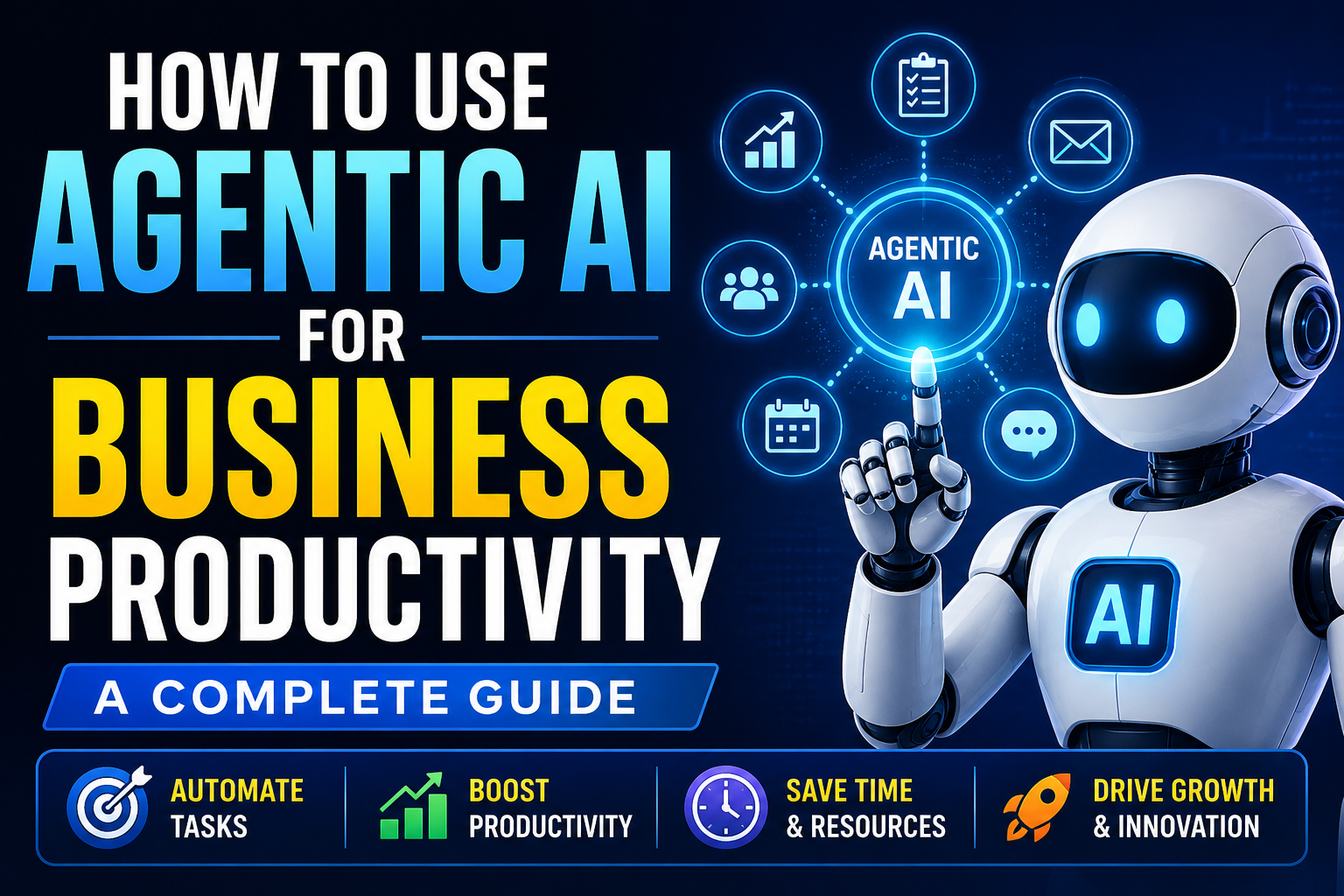
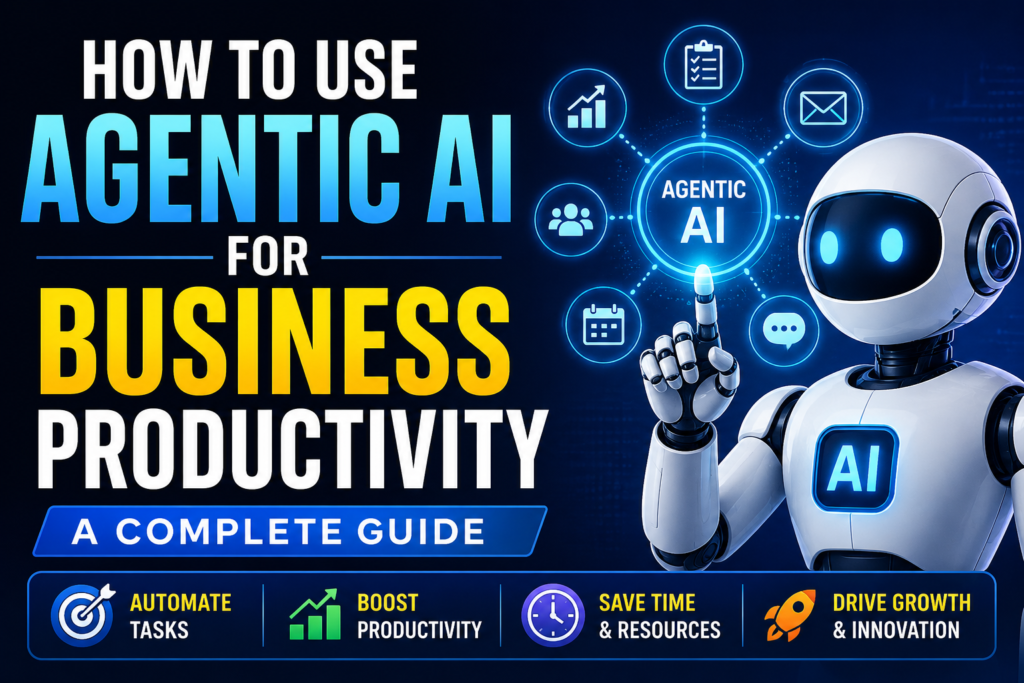
That is where agentic AI steps in. Unlike basic chatbots that just answer questions, or old-school automation that follows strict if-then rules, agentic AI can think, plan, and execute multi-step tasks on its own.
Let’s look at how to use agentic AI for business productivity to hand over repetitive tasks to autonomous digital assistants, giving you time back for work that actually grows your business.
Table of Contents
What Is Agentic AI?
To understand agentic AI, think about the difference between a regular calculator and a human accountant. A calculator only works when you press the buttons. An accountant understands the goal, gathers the receipts, organizes the data, and delivers a finished report.
Agentic AI refers to AI systems—often called AI Agents—that don’t wait for you to prompt them at every single step. You give them a final goal, a set of tools, and a boundary line. The AI then breaks that goal down into smaller tasks, figures out the best order to do them, and executes them.
Imagine a user leaves a negative review on your website.
- Standard AI: Waits for you to paste the review and ask for a reply.
- Agentic AI: Detects the review automatically, checks your database to see what the customer bought, drafts a personalized apology, offers a refund code based on your company policy, and drops the draft into your Slack app for approval.
Why People Are Shifting to Agentic AI
Most businesses already use standard generative AI to write emails or brainstorm ideas. However, typing prompts all day quickly becomes a full-time job itself.
People are moving toward agentic AI because it solves the “prompt fatigue” problem. Instead of managing the AI micro-step by micro-step, you manage it like an employee. You review the final output rather than holding its hand through the process.
Another big reason is adaptability. If an AI agent encounters an unexpected error—like a website being temporarily down while it is researching a lead—it doesn’t just stop and crash. It notes the error, waits a few minutes, or tries an alternative method to find the information.
Key Features of Autonomous AI Agents
What makes an AI tool “agentic” rather than just a smart chatbot? Look for these core building blocks:
- Goal Orientation: You define the destination (e.g., “Find 5 breaking tech news stories and draft a newsletter”). The agent determines the journey.
- Tool Use: Agents can connect to external APIs, browse the web, read databases, and write files. They know when to use a calculator and when to search Google.
- Self-Reflection: A good agent checks its own work. If it writes code that fails, it reads the error log, edits its own code, and tries again until it works.
- Memory Systems: They possess short-term memory (to remember what they did in step 1 while working on step 4) and long-term memory (to remember your brand voice across days or weeks).
How It Works Under the Hood
The magic of agentic AI relies on a simple, continuous loop often called the Reasoning and Acting (ReAct) framework.
[User Goal]
    │
    ▼
┌────────────────────────────────────────┐
│ 1. Thought: What do I need to do next?  │
├────────────────────────────────────────┤
│ 2. Action: Use a tool (e.g., Search)   │
├────────────────────────────────────────┤
│ 3. Observation: Read the tool's result │
└────────────────────────────────────────┘
    │
    ▼
[Goal Achieved? -> Deliver Output]
Every time an agent receives a task, it goes through this cycle:
- Thought: The agent analyzes the goal and plans the immediate next step.
- Action: It executes the step using an available tool (like searching a database or opening a document).
- Observation: It looks at the result of that action and evaluates its progress.
It repeats this loop until the target goal is fully met.
Practical Business Use Cases
Let’s look at how businesses are actually deploying these agents right now to save real hours every week.
1. Customer Support & Ticketing
Instead of basic chatbots that just spit out links to help articles, agentic AI can actively resolve complaints. If a customer requests a subscription cancellation, the agent can check their account status in Stripe, verify eligibility, process the cancellation, and send a confirmation email without a human support agent ever touching it.
2. Automated Market Research
Keeping up with competitors takes hours of manual browsing. An research agent can be scheduled to scan competitor websites every Monday morning, note price changes or new feature announcements, analyze how these impact your business, and generate a neat PDF report for your team.
3. Lead Generation and Enrichment
A sales agent can scan platforms like LinkedIn or public directories for businesses matching your ideal customer profile. It doesn’t just scrape the email address; it looks at the company’s recent news, finds the hiring manager’s name, and writes a highly tailored outreach draft customized to that specific company’s situation.
Step-by-Step Guide: How to Use Agentic AI for Business Productivity
You don’t need a PhD in machine learning to start using AI agents today. Follow this simple framework to build your first productive setup.
Step 1: Identify the Right Workflow
Look for workflows in your business that are repetitive, require multiple software tools, but follow a predictable logic.
A good rule of thumb: If you could train a human intern to do the task in 30 minutes by following a checklist, it is a perfect candidate for an AI agent.
Step 2: Choose Your Platform
Decide whether you want a no-code visual builder or a code-based framework:
- For Non-Technical Users: Tools like Zapier Central, Relevance AI, or MindStudio allow you to build agents using visual drag-and-drop elements and plain English instructions.
- For Developers: Frameworks like CrewAI, LangGraph, or Microsoft AutoGen let you build highly customized multi-agent systems using Python.
Step 3: Define the Agent’s Persona and Rules
Be incredibly specific when setting up your agent’s instructions. Tell it exactly who it is, what its boundaries are, and how it should behave.
Role: Senior Content Editor
Task: Review blog drafts for grammar, clarity, and SEO keyword alignment.
Rules:
- Never change the tone from friendly to overly formal.
- Ensure the primary keyword appears in the first 100 words.
- If a fact looks questionable, flag it with a comment rather than guessing.
Step 4: Equip It with Tools
Give your agent access to the specific applications it needs. This might mean connecting it to your Google Workspace, Notion workspace, Slack channel, or a web scraping tool.
Step 5: Implement a Human-in-the-Loop Safeguard
When starting out, never give an AI agent total freedom to publish or send items directly to clients. Set up the workflow so the agent does 90% of the heavy lifting, then drops the final draft into a review dashboard or chat application for a human to review and click “Approve.”
[Insert Dashboard Screenshot Here]
Benefits of Agentic AI
- Drastic Reduction in Labor Hours: Tasks that used to take an entire afternoon can be completed by an agent in under two minutes.
- Scalability without Headcount: You can run hundreds of parallel research or data-entry tasks simultaneously without needing to hire a massive team of virtual assistants.
- Elimination of Human Copy-Paste Errors: Agents don’t get tired or mistype user IDs when moving data between different software applications at 4:00 AM.
Limitations to Keep in Mind
While this technology is powerful, it is not a magic wand. Knowing its weak spots saves you a lot of frustration down the road.
- API Cost Accumulation: Because agents run loops, think through steps, and try alternative paths, they consume a lot of tokens. If an agent gets stuck in an infinite loop due to poor instructions, it can burn through your OpenAI or Anthropic API budget quickly.
- Hallucination Risk: If an agent can’t find a piece of information, it may occasionally misinterpret a data point or hallucinate a fact to complete its assigned task.
- Brittle Environments: If a third-party website changes its layout entirely, a web-scraping agent might get confused and fail until you update its tool access or instructions.
Pros and Cons
| Pros | Cons |
| Runs autonomously 24/7 without intervention | Can be expensive if API token usage is unmonitored |
| Handles complex, multi-step tasks across apps | Requires clear instruction-writing to avoid errors |
| Adapts to minor errors without crashing entirely | Risks hallucinations if given vague datasets |
| Frees up human staff for creative work | Requires initial setup and testing time |
Platform Comparison for Businesses
Choosing where to start depends entirely on your team’s technical comfort level.
| Platform | Best For | Technical Skill Needed | Pricing Model |
| Zapier Central | Connecting existing SaaS apps | None (Plain English) | Included in paid Zapier plans |
| Relevance AI | Building complete digital workforces | Low (Visual workflow builders) | Usage-based credits |
| CrewAI | Multi-agent collaboration | Medium (Basic Python setup) | Free open-source / Paid cloud |
| LangGraph | Enterprise custom architectures | High (Advanced software engineering) | Free open-source |
Best Alternatives to Agentic AI
If agentic AI feels a bit too advanced or unpredictable for your specific workflow, you have other excellent automation options:
- Standard Linear Automation (Zapier / Make): Best if your task is strictly linear (e.g., “When A happens, always do B”). It is 100% predictable and never hallucinates.
- Custom Webhooks and Scripts: If you have an internal development team, writing simple cron-job scripts to move data can be more reliable and cost-effective than using an AI model for basic tasks.
- Human Virtual Assistants (VAs): For tasks requiring deep emotional nuance, brand intuition, or complex design decisions, a skilled human assistant remains unmatched.
Common Mistakes Users Make
- Giving Vague Goals: Telling an agent to “improve my marketing” will result in a waste of API credits. Instead, tell it to “Find the top 5 performing blog posts from our competitor’s URL and identify gaps in our own content strategy.”
- Skipping the Human-in-the-Loop Phase: Letting an unmonitored AI agent post directly to your live social media accounts or send automated emails to long-time clients can cause major brand headaches if it misinterprets a prompt.
- Over-complicating Simple Tasks: Don’t build a complex multi-agent system for a task that can be handled by a simple, two-step Zapier automation. Use agents only when decision-making is required.
Internal Linking Opportunities
To get the most out of your technology stack, consider reading our other step-by-step optimization guides on TechHubZone.in:
- Top No-Code Automation Tools for Small Businesses (Internal Link Placeholder)
- How to Safely Manage API Keys for AI Tools (Internal Link Placeholder)
- A Beginner’s Guide to Prompt Engineering for Business (Internal Link Placeholder)
- How to Use AI for Competitive Market Analysis (Internal Link Placeholder)
- Best Privacy-Focused AI Tools for Enterprises (Internal Link Placeholder)
Frequently Asked Questions
1. Can a person with zero coding knowledge use agentic AI?
Yes. Platforms like Zapier Central, MindStudio, and Relevance AI allow you to create functional AI agents entirely by typing instructions in everyday English and using visual drag-and-drop menus.
2. Is agentic AI secure for sensitive business data?
It depends on how you build it. If you use enterprise-grade platforms that comply with SOC2 data security standards and ensure your data isn’t used to train public models, it is safe. Always review the privacy policy of the underlying AI model provider.
3. What is the difference between a chatbot and an AI agent?
A chatbot is reactive; it only speaks when spoken to and handles one prompt at a time. An AI agent is proactive; you give it a final target goal, and it plans and executes multiple actions across different apps on its own to reach that goal.
4. Can AI agents accidentally spend all my money on API fees?
Yes, if you do not set limits. To protect your wallet, always configure hard spending limits and token caps inside your OpenAI, Anthropic, or platform dashboards so the agent stops automatically if it gets caught in an operational loop.
5. Do AI agents replace human employees?
They replace repetitive tasks, not people. An agent can handle data entry, initial research, or draft creation, but you still need human experts to provide strategic direction, creative oversight, and final quality control.
6. What languages do AI agents understand?
They can understand and process almost any language supported by large language models, including English, Spanish, Hindi, French, German, and Mandarin, making them great for localized business operations.
7. Can an agent read files like PDFs or Excel spreadsheets?
Yes. Most agent platforms include document parsing tools that allow the agent to read, extract data from, and summarize information contained inside PDFs, CSV files, and Excel sheets.
8. What happens if an AI agent makes a mistake?
If it has a self-reflection loop, it will read the error and try to fix it. If it cannot resolve the issue, it will pause operations and flag the problem for human review, which is why having a human-in-the-loop system is highly recommended.
9. How much does it cost to run an AI agent?
Open-source frameworks are free to download, but you pay for the API tokens consumed by the underlying LLMs (like GPT-4o or Claude 3.5 Sonnet). For typical small business tasks, this often amounts to anywhere from a few dollars to fifty dollars per month based on usage volume.
10. Can I connect an AI agent to my existing CRM like HubSpot or Salesforce?
Yes. Most modern agent platforms connect directly to popular CRM tools via APIs, allowing agents to automatically update lead statuses, log communication histories, or clean up outdated customer contact records.
Final Thoughts
Agentic AI is a major shift in how we interact with software. Instead of clicking buttons and copying data across multiple browser tabs, we can now act as managers who guide smart digital helpers toward a goal.
Who should use it? Business owners, solopreneurs, and operations managers who spend more than two hours a day on repetitive data tracking, lead sorting, or content formatting tasks.
Who should skip it for now? Businesses with highly unpredictable workflows that require deep emotional empathy, physical presence, or split-second creative human judgments.
Start small. Pick a single simple task—like summarizing weekly team updates or monitoring a public feed—build a basic agent for it, and watch how much mental space opens up when you let AI handle the busywork.